Original repair photographs · June 2026 · Edmonton workshop
iMac hard drive replaced with an SSD and macOS startup restored
A customer’s iMac was running extremely slowly and had trouble starting reliably because its older hard drive was failing. We replaced the storage hardware, recovered and migrated the system data, restored macOS, and tested the computer after reassembly.
What was wrong?
The hard drive was deteriorating. This affected performance and the installed macOS system. Replacing the drive without planning the data transfer could have left important files or settings behind.
How did we repair it?
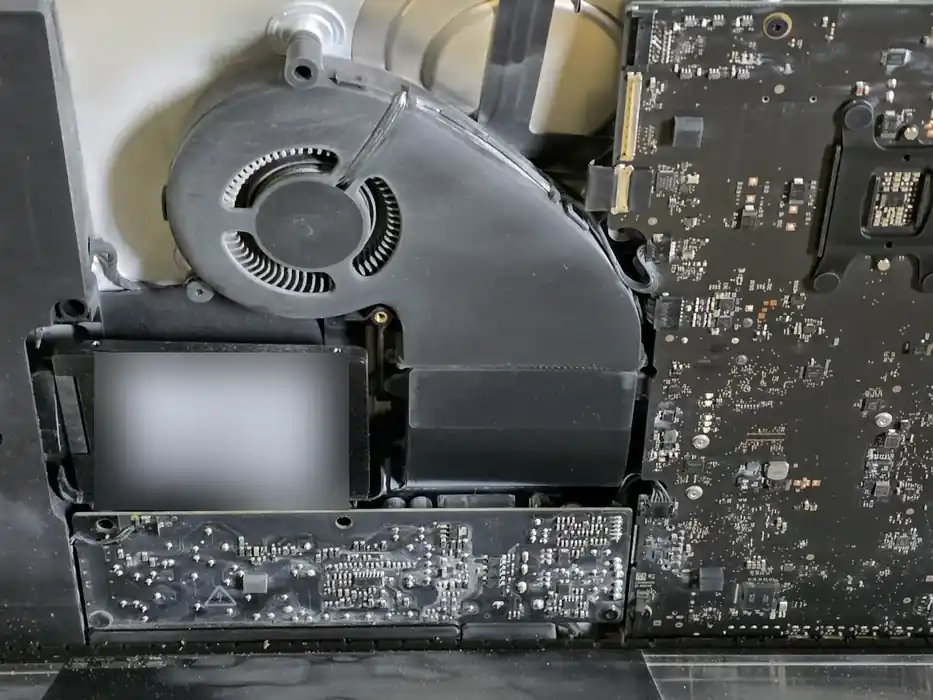
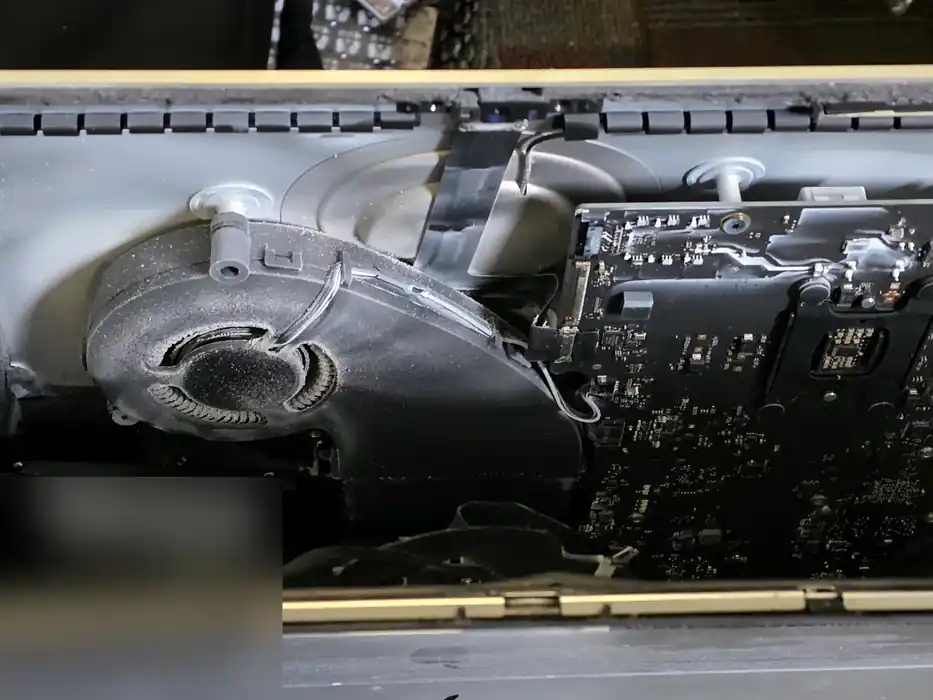
We opened the iMac, removed the unreliable storage and installed a 250 GB solid-state drive. The repair notes document drive cloning and data migration, followed by macOS installation and startup recovery when the migrated system required further repair. We reassembled the iMac and secured the display.
What did testing show?
The completed job record confirms the iMac started successfully and that system, application and storage checks passed. The two photographs below document the physical installation; neither is presented as proof of a final boot test.
Is every failing drive recoverable?
No. Recovery depends on the condition of the original drive, its readable sectors and any hardware damage. We assess the device and explain the available options before paid diagnostic or recovery work.
Original iMac SSD installation photos
Does your Mac need a faster SSD or data recovery?
Tech4Service offers SSD replacements, drive cloning and selected Mac data-recovery services in Edmonton. Short drop-off checks are free; detailed diagnostics are quoted before testing.
Mac repair services · Data recovery · See other real repairs